AI-Generated Emails That Trick Teenagers


Blogs
Dec 08, 2025 Jortty
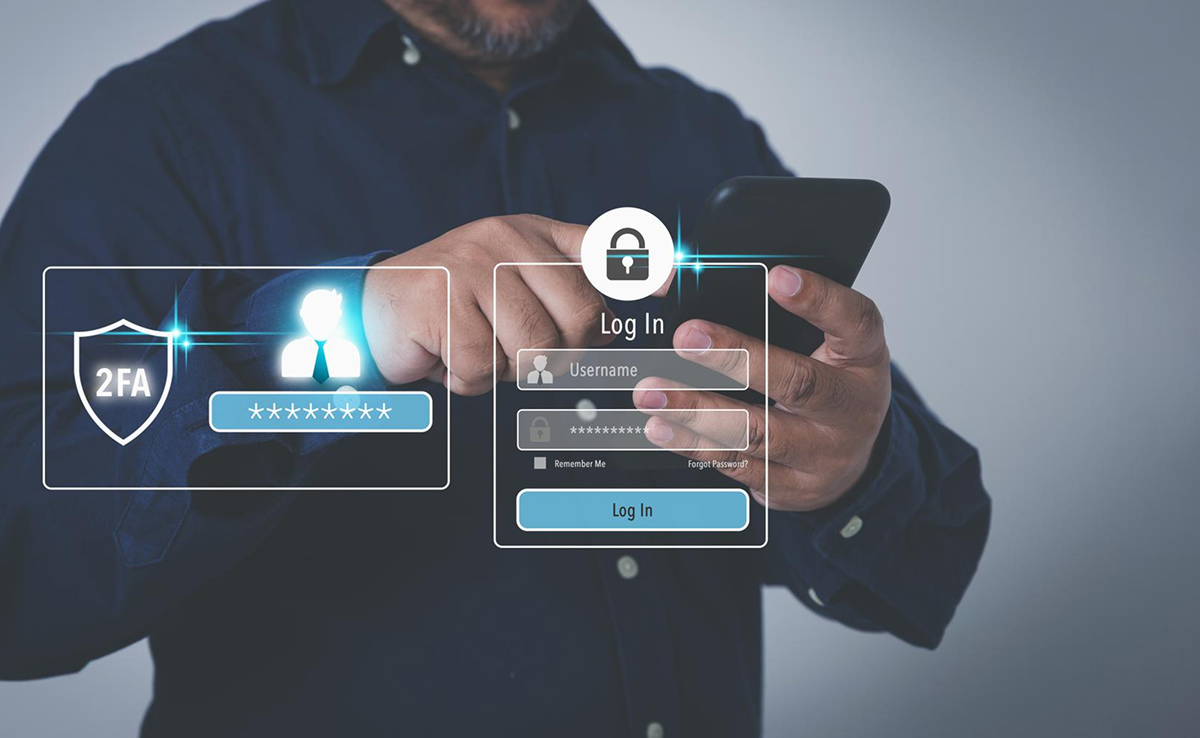
Multi-factor authentication, also known as MFA, is a multi-step process to login into an account that requires users to enter more information along with their password. For instance, after using a password, the user might get the prompt to enter a code that is sent to their email or phone, answer a secret question, or use a finger scan. The second type of authentication can prevent unauthorized access to the account if the password of the system is compromised. However, if you fail to log in after numerous attempts, then you can connect with instant tech support for additional help.
Digital security is of great importance today since both users and businesses store sensitive information online. Every individual interacts with services, applications, and data that are stored online in the form of accounts. Any misuse or breach of online data would lead to serious consequences in the real world, including disruptions in business, financial theft, and loss of data privacy.
Although the passwords will safeguard the digital assets, more is needed here. Expert cyber criminals try to find passwords actively. Discover a single password, access gained into several accounts for which you may have reused your password, or take help from on-demand tech support. This MFA will act as an additional security layer, preventing unauthorized users from accessing the accounts even if the password is stolen. Businesses will use this MFA, according to Techtionary, to validate the identities of the users, offering instant and convenient access to the authorized users.
Minimizing Security Risks: MFA would notably reduce the risk of human errors, misplaced passwords, and device loss.
Enables Digital Initiatives: Companies would often undertake their digital initiatives with greater confidence. Businesses often use multi-factor authentication to help safeguard organizational and user data, allowing them to carry out their online interactions and transactions with greater security.
Improves Security Response: Firms would often configure the multi-factor authentication system to actively send a notification whenever it detects any suspicious login attempts, which are redirected to their tech support services. It would help both companies and people to respond rapidly to cyberattacks, thereby reducing the possible damage.
MFA often works by requesting several types of IDs from the user during account registration. The system stores these IDs along with the user details to verify the user’s next login attempts. It is the login involving a multi-step process, verifying the other ID data along with the password.
Here at Jortty, we will explain the steps involved in this process as follows:
MFA is implemented in several ways, and a few of them include:
Passwords are often a headache and hard to remember, and at Jortty, we understand. That is why we have shared the process to help you through the password recovery process. Multi-factor authentication protects the digital space and its users by offering them various factors to choose from whenever required.

I’m Jortty and built to help you feel confident with technology. I share clear tech guidance, safety tips, and smart insights to help you stay protected and informed online.