
AI-Generated Emails That Trick Teenagers


Blogs
Dec 09, 2025 Jortty
A business will often have to rake in more than what it spends to make money, and this is true even when the business is criminal. It takes a lot of coding and research to create a new strain of ransomware or a new data-stealing Trojan. The most effortless by comparison is creating a fake version of a banking website or PayPal. Phishing fraudsters increase their profit by reducing expenses.
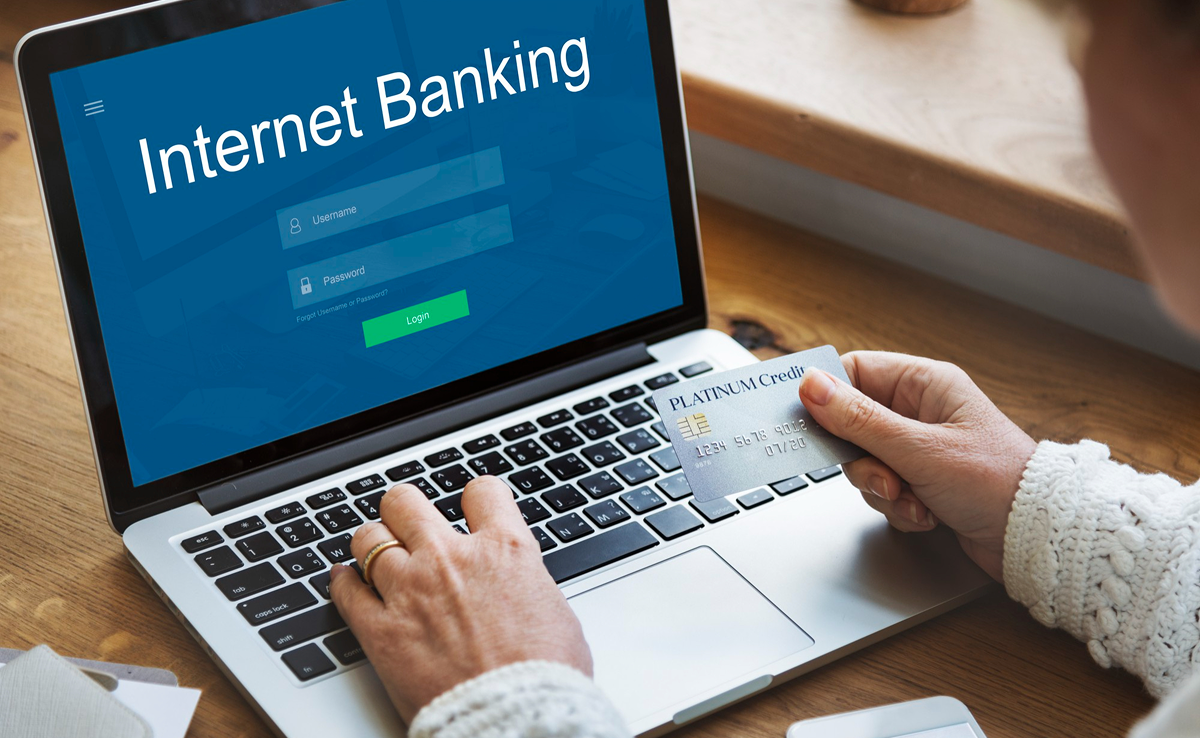
All they have to do is scam enough individuals into handing over their credentials to the fake site. The stolen credentials can drain bank accounts, steal personal data, or sell these credentials in bulk to other malefactors. You would never want to fall victim to phishing scams. However, at Jortty, we are going to share the best tips to identify and avoid this sad fate when you suspect phishing.
The scammers use text messages or emails to try to steal passwords, Social Security Numbers, or account numbers. If they ever get their hands on the information, then they would gain access to your bank, email, or other accounts. They would even sell your data to other scammers to launch a phishing attempt. Scammers would often launch several phishing attacks like these daily, and they are often successful. The scammers would often update their techniques to stay updated on the latest trends or news; however, here are a couple of techniques used in phishing text messages or emails:
Phishing text messages and emails often narrate a story to trick others into clicking on the link while opening an attachment. You may get unexpected text messages or emails that appear to be from a company you know or trust, like a credit card, a bank, or a utility company. Or it can be through an online payment app or website. The message can be from the scammer who might:
The spam filters in your email may prevent emails from reaching your inbox as a phishing response. However, the scammers would often try to outsmart the spam filters, so additional layers of protection would help. The following are four different ways to safeguard yourself from these phishing attacks.
Since phishing normally depends on the ability of cybercriminals to play into human emotions and manipulate their behaviors, these attacks never disappear completely. None, even the trained IT or the security professional, is entirely immune to the panic of the attackers. Employee training would often continue to become one of the most essential preventative or administrative security controls companies would employ, along with several tech controls; however, we should resign ourselves to adopting the personal “never trust, always verify” approach to online security.

I’m Jortty and built to help you feel confident with technology. I share clear tech guidance, safety tips, and smart insights to help you stay protected and informed online.