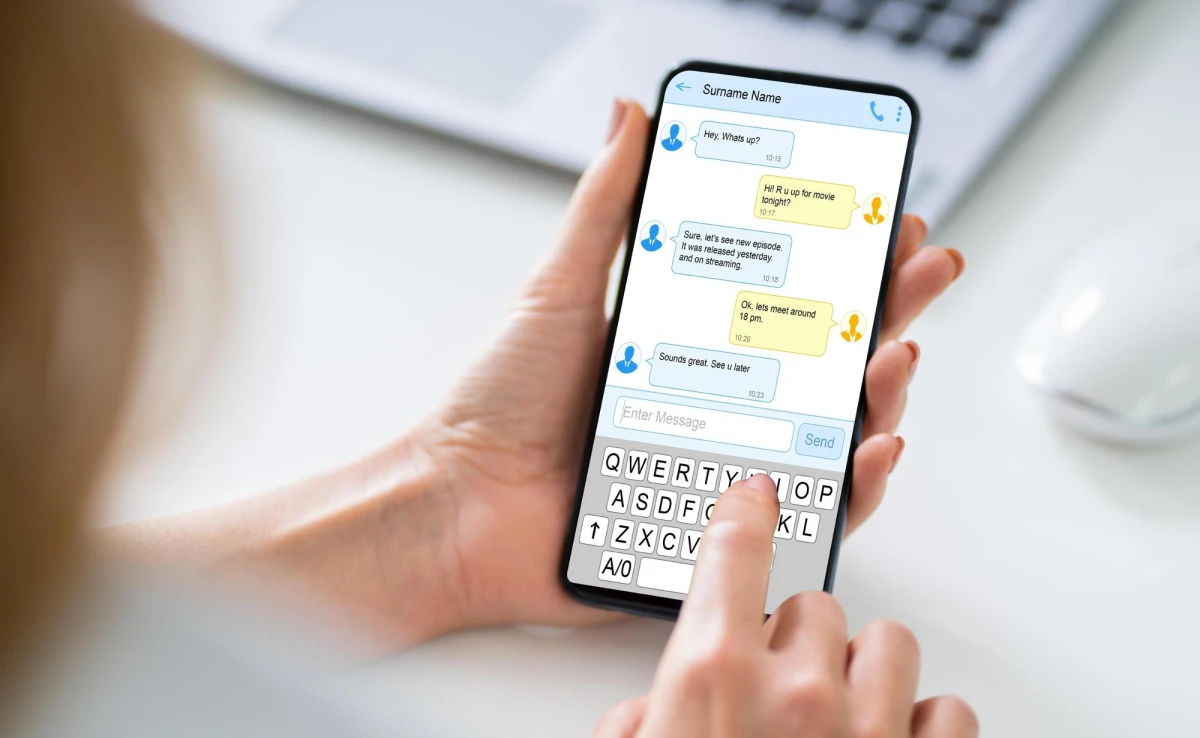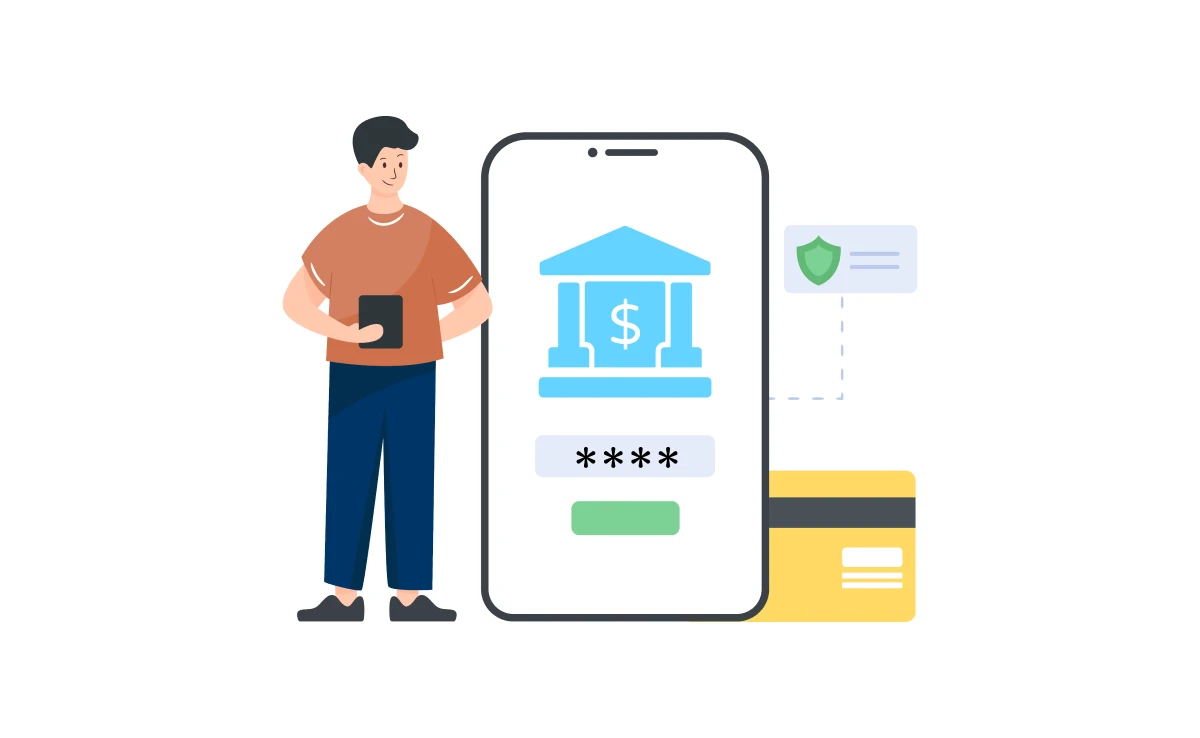
The growing reliance on online banking can help ensure the security of your financial information remains essential. One of the potential ways to boost online banking safety is to set up alerts and notifications. These are the ideal tools to help you monitor your account activities in real-time while instantly detecting any unauthorized transactions. At Jortty, our tech concierge services will help you walk through the entire process to set up the alerts and notifications for secured online banking.
Understanding Online Banking Alerts and Notifications
Online banking alerts and notifications are considered automated messages that your bank sends to keep you informed about numerous activities and changes happening to your account. These would include balance updates, transaction alerts, security notifications, and payment reminders. When you get timely updates, it helps you take immediate action whenever anything unusual is taking place while safeguarding your finances with our AI tech support.
Types of Alerts and Notifications
Banks will generally offer various alerts and notifications that include the following:
- Transaction Alerts: It notifies you about the transactions happening in your account and includes the deposits, purchases and withdrawals, with the help of AI in technology. It can help you track your expenditures while spotting any form of unauthorized activities.
- Balance Alerts: It notifies you when your account balance reaches a specific threshold. It can help prevent overdrafts to help you manage the funds.
- Payment Due Alerts: These notify you about upcoming bill payments to avoid late fees to maintain a better credit score.
- Security Alerts: They notify you about possible security issues like password changes, failed login attempts, or accessing from any unfamiliar device.
- Account Activity Alerts: This service updates you on general account activities, such as changes to contact information or new statements.
How to Set Up Alerts and Notifications
The Future tech support can help to set up the alerts and notifications in a seamless process. Here is the stepwise guide that can help you start with:
- Log In to Your Online Banking Account: Start by logging into the online banking account by using your username and password. Try ensuring that you use a secure and reliable device, avoiding any security risks.
- Navigate to the Alerts Section: After you have logged in, check the alerts or notifications tray. You can find it right under the settings, account services, or dedicated menu for alerts.
- Choose the Alerts You Want to Receive: Banks offer numerous forms of alerts. Choose the ones that you find relevant. For instance, if you wish to keep track of your expenditures, allow transaction alerts. If you are concerned about security, set up security alerts.
- Set Your Preferences: Always customize your alerts based on your choice. It includes the choice of how you get the alerts, like through email, push notifications, or SMS, that sets thresholds for the transaction amounts or balance alerts.
- Save Your Settings: After customizing the alerts, you must save your settings. A few banks often require you to verify the contact information before you activate the alerts.
- Test Your Alerts: It is the best idea to test for alerts to ensure they work appropriately. Always make smaller transactions or change the account settings to check if you get any corresponding alerts.
Best Practices for Managing Alerts and Notifications
To elevate the potential of the notifications and alerts while considering the following better practices:
- Regularly Review Your Alerts: You should always review and update the alerts, ensuring that they continue meeting your needs. It would be best if you had to adjust your alerts while your financial situation changes.
- Use Multiple Notification Methods: Choose multiple notification methods like SMS and email, ensuring that you get alerts even when one of the methods fails.
- Stay Informed About New Alerts: Banks often update their services, offering new alert modes. Always stay informed about these updates while taking advantage of the latest security features.
Conclusion
Setting alerts and notifications is an important step to a secure online banking experience. Here at Jortty, we can help you stay informed about the tactics and several other practices involved in responding to such suspicious activities or detecting phishing attempts. Follow the right steps outlined by our experts while managing the alerts effectively to ensure the financial data stays secure and safe.